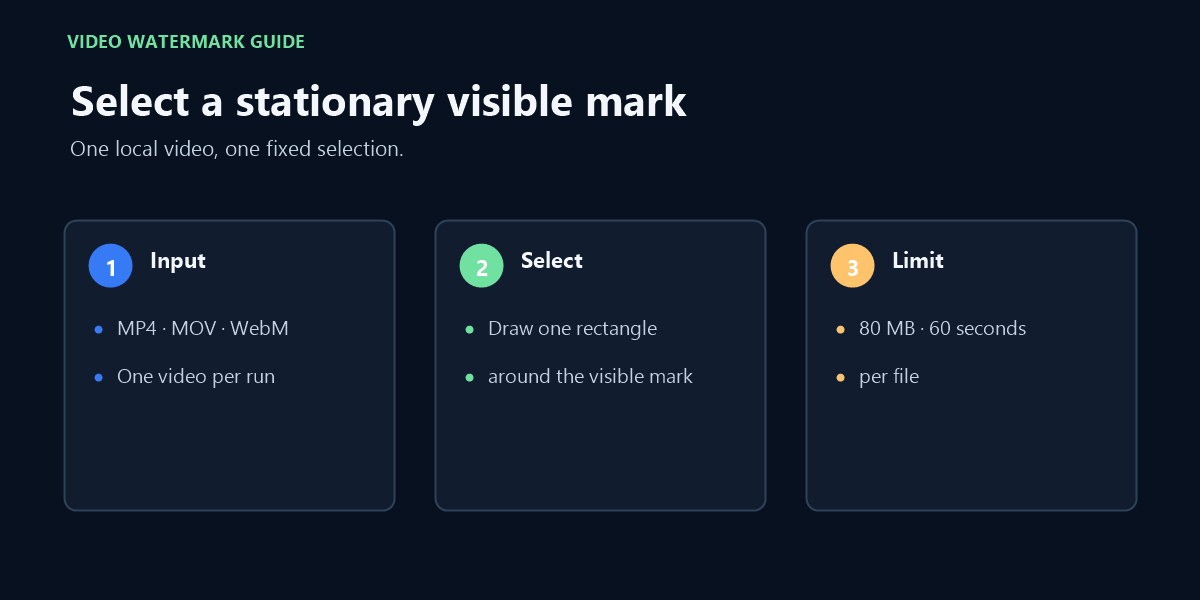
This online video watermark remover works in your browser: choose one local MP4, MOV, or WebM clip up to 80 MB and 60 seconds, mark one fixed area, and process it after the engine files load.
↑Drop one video here or click to chooseMP4, MOV, or WebM · up to 80 MB · up to 60 seconds
Select one stationary visible mark
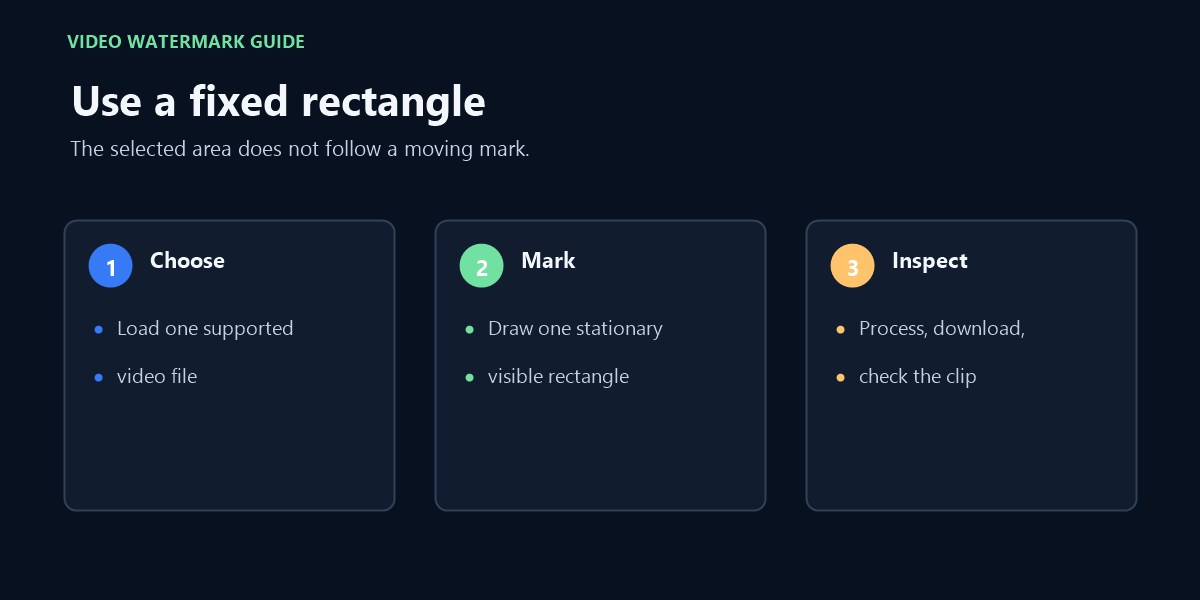
Draw a close box around the visible mark. This free browser tool keeps the selection in one position; it does not track a moving watermark or fetch a video link.
No account or payment is required. Your source video stays in this browser.
Processed video
The original resolution is retained. Audio is copied without re-encoding when the selected container supports it.
The free workflow begins with a file on your device, not a social-post URL.
What “free” covers—and what it does not
There is no account or payment step for this edit. Choose one video stored on your device, select one visible area, process it in your browser, then preview or download the result. Free access is for one supported file per run; it is not an unlimited batch service.
The accepted extensions are MP4, MOV, and WebM, with a limit of 80 MB and 60 seconds. The browser must also decode the codecs inside the file, so an accepted extension does not guarantee that every video will process. There is no batch queue, link importer, automatic mark detector, or output-format selector.
You draw one stationary rectangle yourself. The same selection is used throughout the clip; it does not follow a moving mark. The processor changes pixels in that region and cannot recover the exact scene hidden underneath it.
Online page, local video processing
The source clip is read into the current browser and processed there; it is not uploaded to this site’s video-processing server. The page is still not fully offline: before processing, it loads the FFmpeg engine files from jsDelivr, so an internet connection is needed until those files finish loading.
Those are two different network activities. A request for the engine code is expected; it is not the video being uploaded. If you want to check the distinction, open your browser’s Network panel before choosing the file, start an edit, and inspect the requests: the engine files come from jsDelivr, while the selected video is processed by the browser tool.
How this online page handles a local file
The free video watermark-removal workflow on this page has no sign-up or payment step for a supported local edit. That does not mean unlimited files: it handles one video per run, up to 80 MB and 60 seconds, and has no batch queue.
Watermark remover video online free
The page is online, and its video engine is fetched from jsDelivr. The selected source clip is processed in the browser; an internet connection is still needed to load the engine.
Remove watermark from video online free
The free edit is limited to one manually selected, stationary rectangle. It is not a URL downloader, does not detect or track a moving mark, and may soften detail in the selected area.
Check whether the mark fits a fixed selection
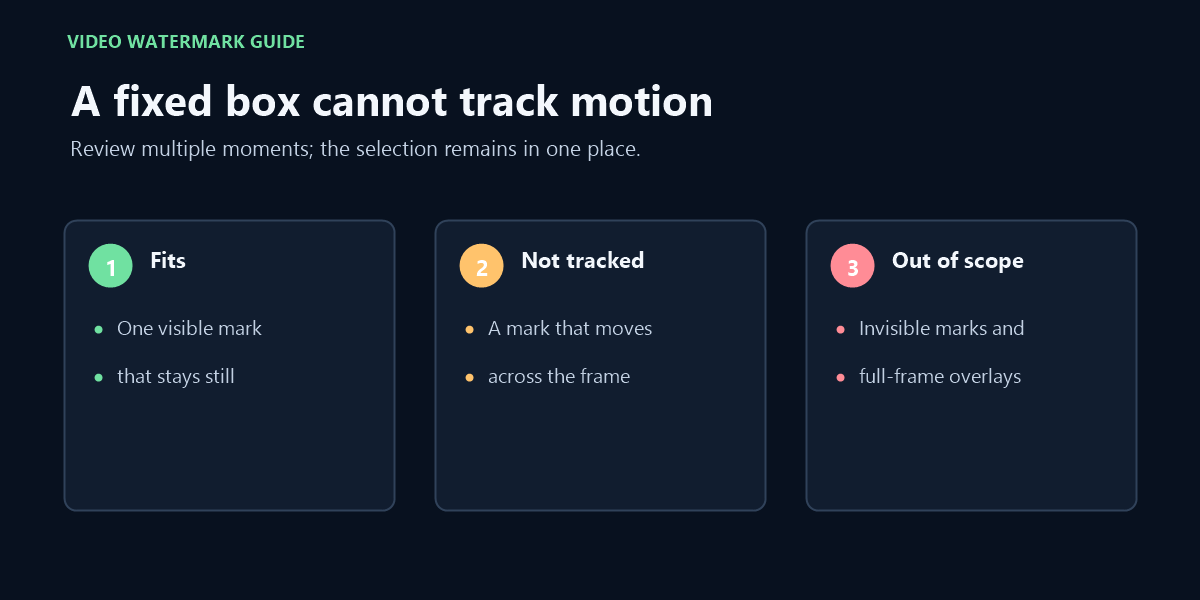
Before processing, inspect the beginning, middle, and end of your clip. If the mark remains in the same place and occupies a small rectangle, draw a tight selection around it. Keep nearby faces, text, edges, and other details outside the box whenever possible.
If the mark travels, appears in several different places, or covers most of the picture, this method is a poor fit. The same rectangle is applied throughout the clip; it does not follow an object. A wider box can also change pixels that are not part of the watermark, so a successful export is not proof of a clean-looking result.
When the selected area contains important texture or fine detail, compare the preview with the original before saving the download. The filter works on the pixels in the chosen region. It cannot recover the exact scene information that the mark covered, and it may soften nearby detail.
A close selection helps limit changes to the area you intend to edit.
Process one clip, then check the download
Choose one MP4, MOV, or WebM file no larger than 80 MB and no longer than 60 seconds, and wait for the browser engine to load.
Pause on a frame where the mark is visible and draw a rectangle around that mark.
Run the edit in the browser. The selected rectangle stays fixed while the clip is processed.
Preview and download the result. Check several points in the video and play the audio before replacing your original.
The download keeps the source extension and original resolution; this page does not offer a format picker. Audio is copied without re-encoding when the selected container supports it. If the browser cannot decode the source or export its audio in that container, processing reports an error—keep the original rather than treating a failed export as complete.
Only use this workflow for material you created or are authorized to edit. A free tool does not grant permission to remove an ownership mark or reuse someone else’s video.
A moving mark needs a tracking method that this page does not provide.
FAQ
Does free mean I need to sign up or buy credits?
No account or payment is required for the supported local workflow on this page.
Which video files can I choose?
Choose one MP4, MOV, or WebM video up to 80 MB and 60 seconds. Browser codec support can still affect whether an individual file opens or exports.
Can I remove a moving watermark for free here?
No. The selected rectangle remains in one position and is not a motion-tracking selection.
Will the result restore the pixels behind the watermark?
No. The filter modifies pixels in the selected area; it cannot recover the exact image hidden by the mark.
What should I verify before keeping the output?
Review the selected area at several points, check that nearby detail remains usable, and play the audio before replacing the original.