getty images watermark remover
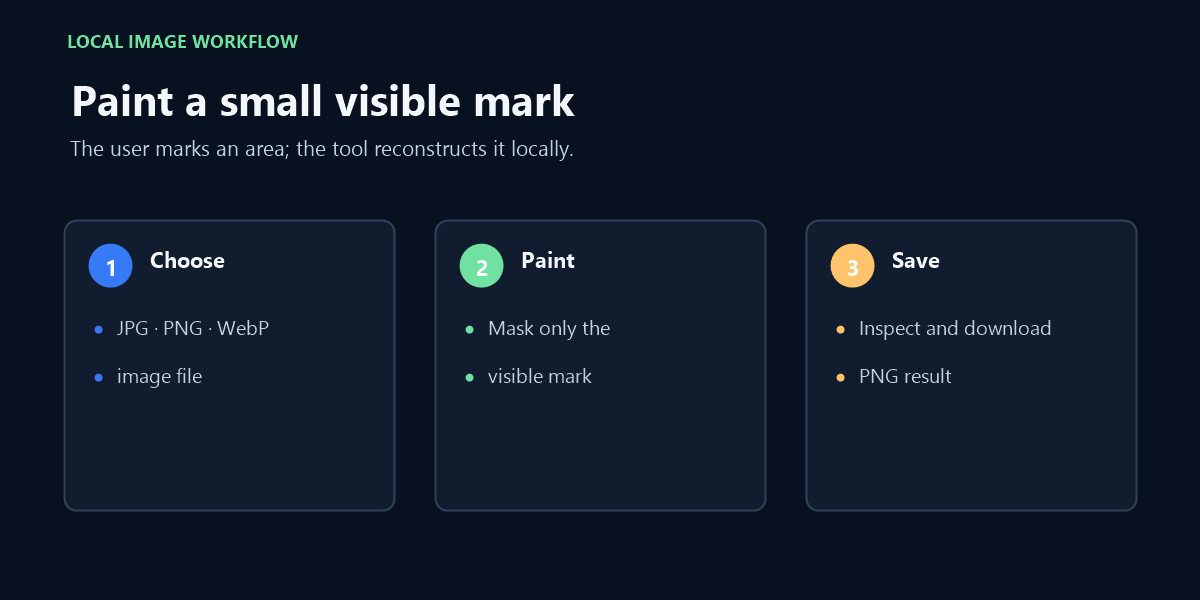
Use this manual image editor only on a file you own or are authorized to modify. Upload one JPG, PNG, or WebP, paint a small visible area, and inspect the local reconstruction; this tool does not fetch Getty files or provide an unmarked licensed original.
Drop an image here or click to browse
JPG, PNG or WebP · up to 20 MB
Local inpainting result
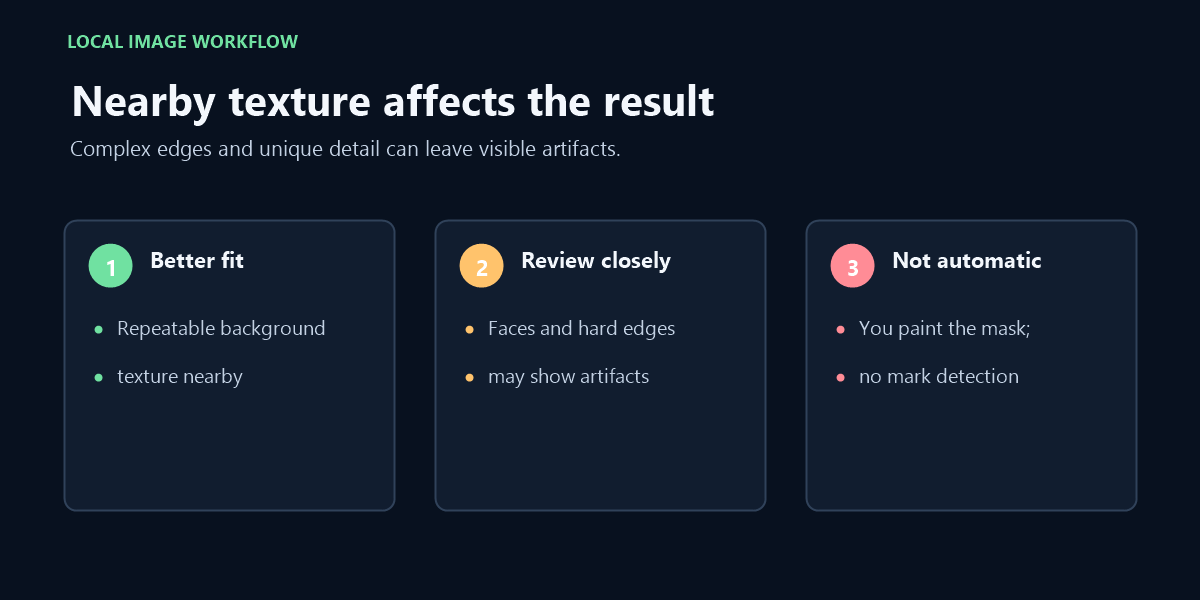
Best for small text or marks surrounded by repeatable texture. Large masks, faces, hard geometric edges and unique objects may show visible reconstruction artifacts.
For a Getty preview, obtain the authorized file instead
If a Getty preview still carries a watermark or you are unsure what rights apply, use Getty Images' own licensing and download route rather than editing that preview. Its download help and content license describe the official options; this independent editor cannot supply the licensed original.
Before opening any file, separate three cases: an image you created, a client image you are authorized to retouch, and a stock preview that still needs permission for your intended use. The pixels alone do not tell this page which case applies, and the tool does not check an account, license, invoice, or asset record.
When you have an image you may edit, this page can reconstruct a small visible region that you mark yourself. That changes the selected pixels; it does not reveal the hidden source image, grant usage rights, or turn a preview into an authorized download.
Check the file and the repair area
The editor accepts one JPG, PNG, or WebP image up to 20 MB. It does not accept a Getty URL, a project page, a PDF, or a video. If you can obtain or export an authorized clean source through the service that supplied the image, that preserves the actual original pixels better than reconstruction.
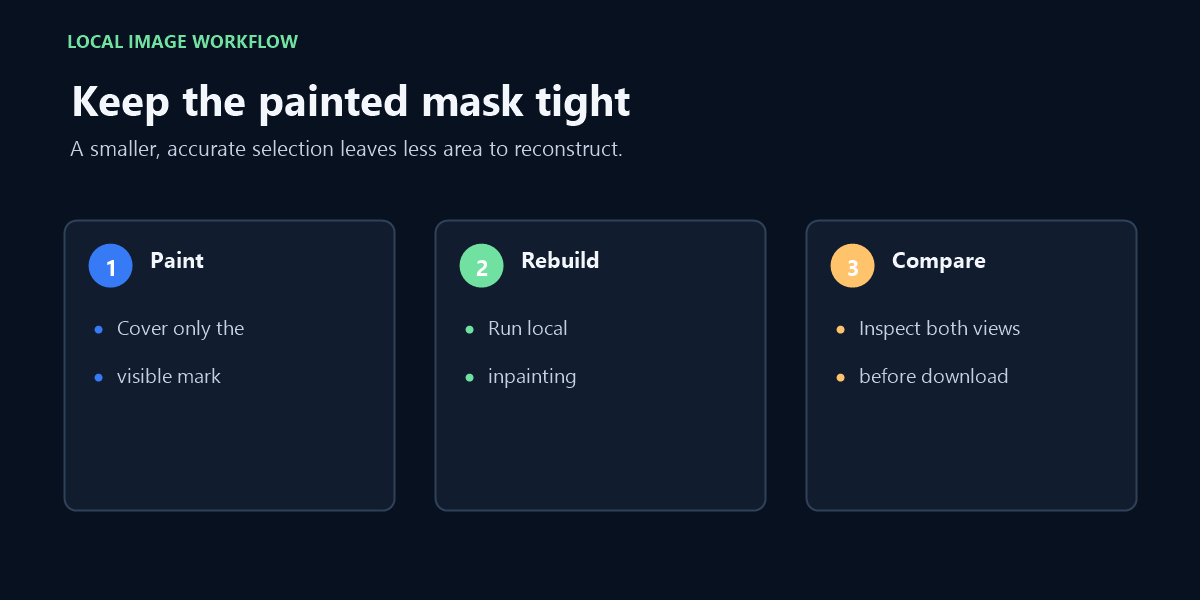
For a file you are allowed to retouch, paint a close mask over the visible area and use Erase mask to correct edges before running local inpainting. The algorithm samples nearby texture; inspect the full image and enlarged patch for repeated patterns, smudged text, or broken edges before keeping the PNG result.
The output canvas keeps the input image's pixel dimensions, but the repaired region is newly reconstructed and the download is PNG. A same-size output is not proof that hidden detail has been recovered. Keep the original file so you can compare it or discard the edit.
What this page can verify
The browser interface takes one image per run, asks you to paint the target yourself, and creates a local PNG preview. It has no Getty connection, does not identify a Getty mark, and does not retrieve a watermark-free asset. The image-editing code processes the selected file in the browser; the page may still load separate analytics or advertising scripts.
Use it only when you own the image or have permission to make this edit. A manual patch may leave visible artifacts, especially over faces, lettering, sharp boundaries, or unique details. If the file is a watermarked stock preview, follow the provider's licensing and download process instead.
Questions about a Getty image file
Can this tool remove a Getty watermark automatically? No. It does not detect branding; you choose a visible region manually, and it cannot tell whether a file is a Getty asset.
Can I paste a Getty URL? No. Upload one local JPG, PNG, or WebP file; a web address or listing page is not accepted.
Will the download be the original licensed file? No. The download is a PNG reconstruction of your uploaded image, not a replacement for an official licensed download.
Related reading
For the general local image editor and its processing boundaries, see Local Watermark Remover.