Local Watermark Remover
Remove a small visible watermark from an image you own or are allowed to edit, directly in your browser.
Drop an image here or click to browse
JPG, PNG or WebP · up to 20 MB
Local inpainting result
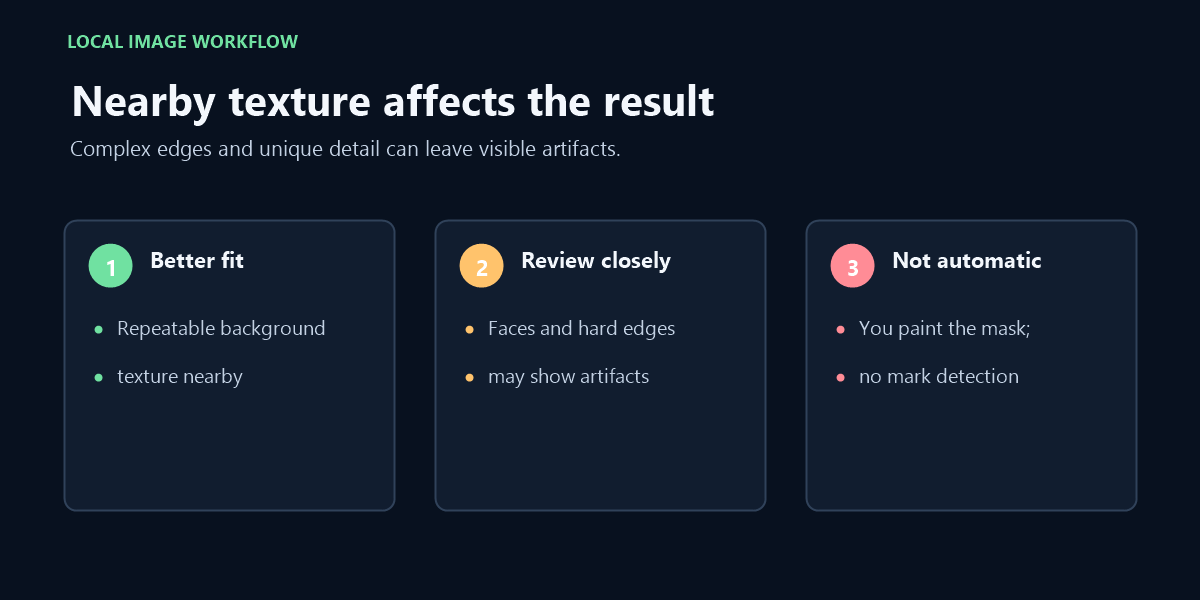
Best for small text or marks surrounded by repeatable texture. Large masks, faces, hard geometric edges and unique objects may show visible reconstruction artifacts.
How local watermark removal works
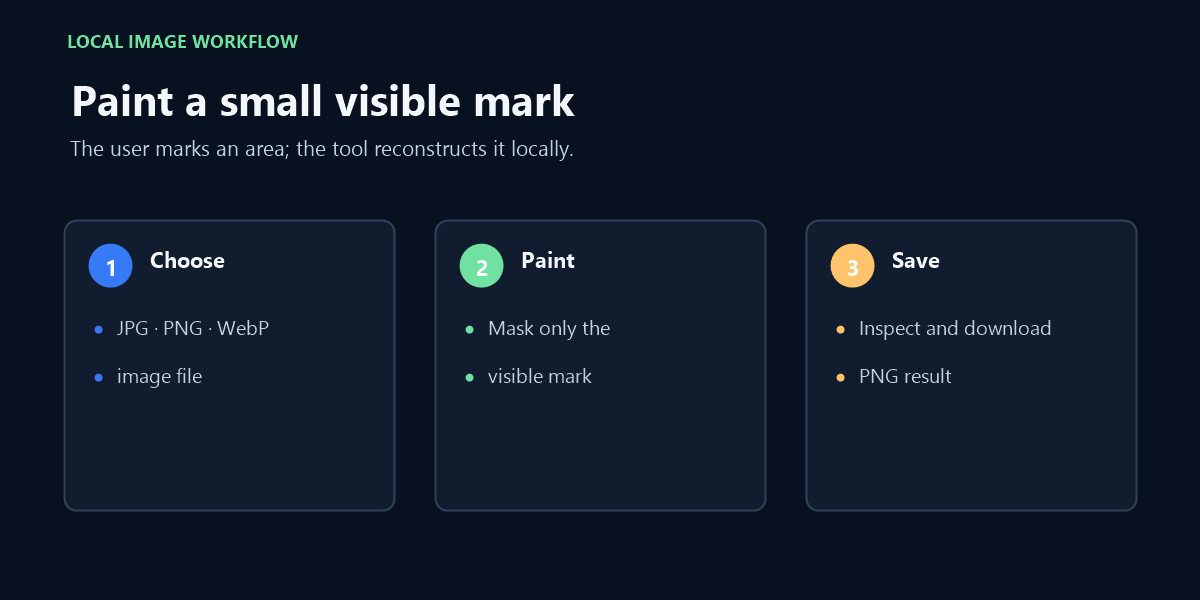
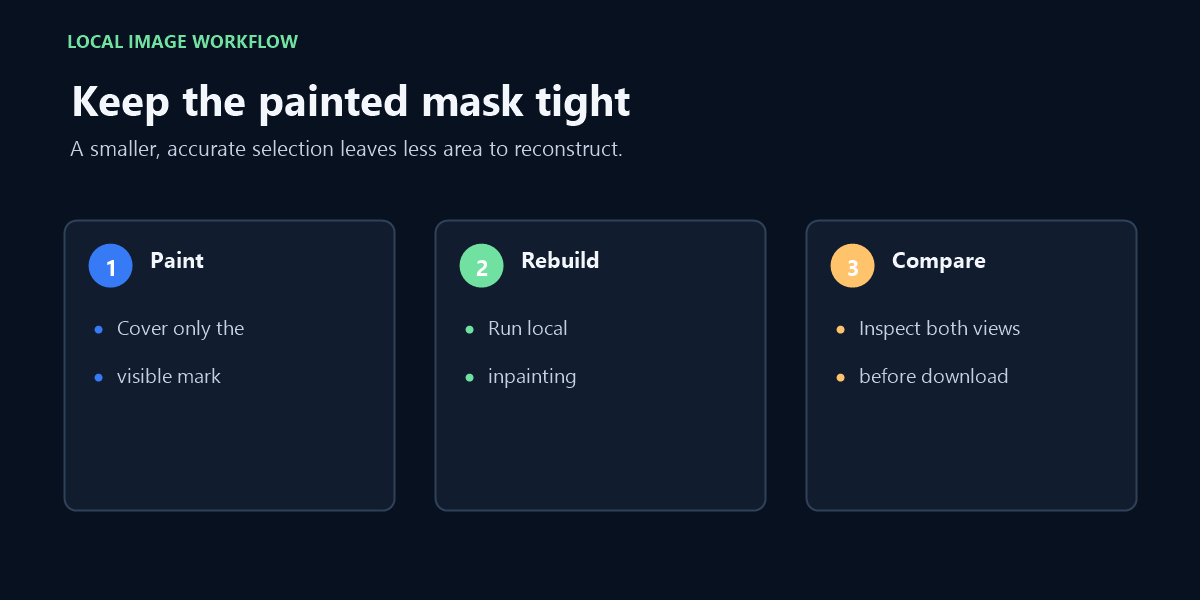
This page keeps image selection and processing on the device running your browser. Choose a JPG, PNG, or WebP image, paint only over a small stationary visible mark, and run the reconstruction tool. The image is not sent to a processing server by this page.
The result works best where the marked area is surrounded by repeatable background texture, such as sky, grass, paper, or a simple surface. Inspect the enlarged before-and-after view before downloading, because detailed faces, hard edges, large selections, and unique objects can leave visible artifacts.
What this tool does not do
It is not an automatic detector and does not remove invisible watermarks, moving overlays, or marks spread across a full image. It also does not decide whether you have rights to edit a file. Only use it with material you created or are authorized to modify.
Frequently asked questions
Does this upload my image? No. The page uses local JavaScript in your browser for the image processing workflow.
Which files can I open? The file picker accepts JPG, PNG, and WebP images up to the stated file-size boundary on the page.
Related reading
For the Getty-specific boundary between editing an authorized image and obtaining a licensed original, read Getty Images watermark remover.
For visible words baked into an image, see the remove text from image guide with manual masking and local reconstruction.
For a saved image with a visible mark or brand graphic, see remove logo from image with manual masking and local reconstruction.
Video walkthrough
Watch how a small painted mask and nearby texture affect a local image reconstruction, then inspect the PNG result.