Invisible formatting
Zero-width, word-joiner, soft-hyphen, bidirectional, and other format controls are removed.
Local text cleaner
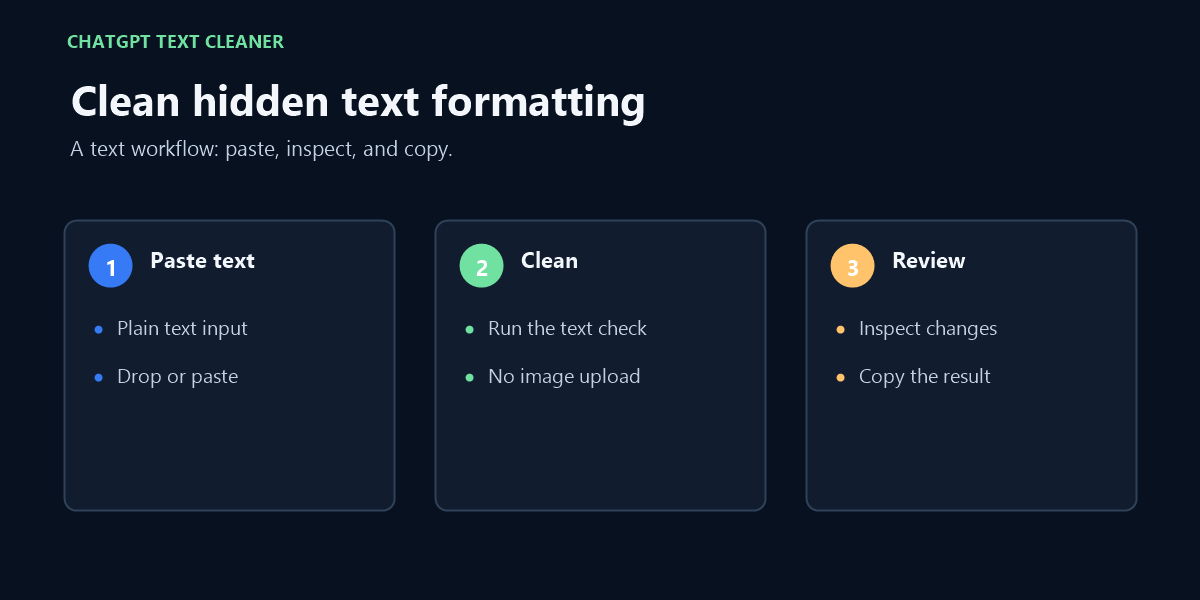
Paste text, clean it in this browser, and copy the result. Nothing is uploaded.
Plain text only. Files are not accepted.
Every changed occurrence is shown with its literal-safe representation, Unicode code point, type, and action.
The cleaning happens on your device. This page does not require an account and does not keep a text history.
This tool checks many Unicode code points used for invisible formatting, direction control, variation selection, tag characters, and unusual whitespace. Each change is reported instead of silently hidden.
Zero-width, word-joiner, soft-hyphen, bidirectional, and other format controls are removed.
Variation selectors and Unicode Tags block characters are removed and identified by code point.
Non-breaking and width-specific spaces are converted to an ordinary space so copied text stays readable.
Curly quotes and dash variants can be converted to plain keyboard punctuation before copying.
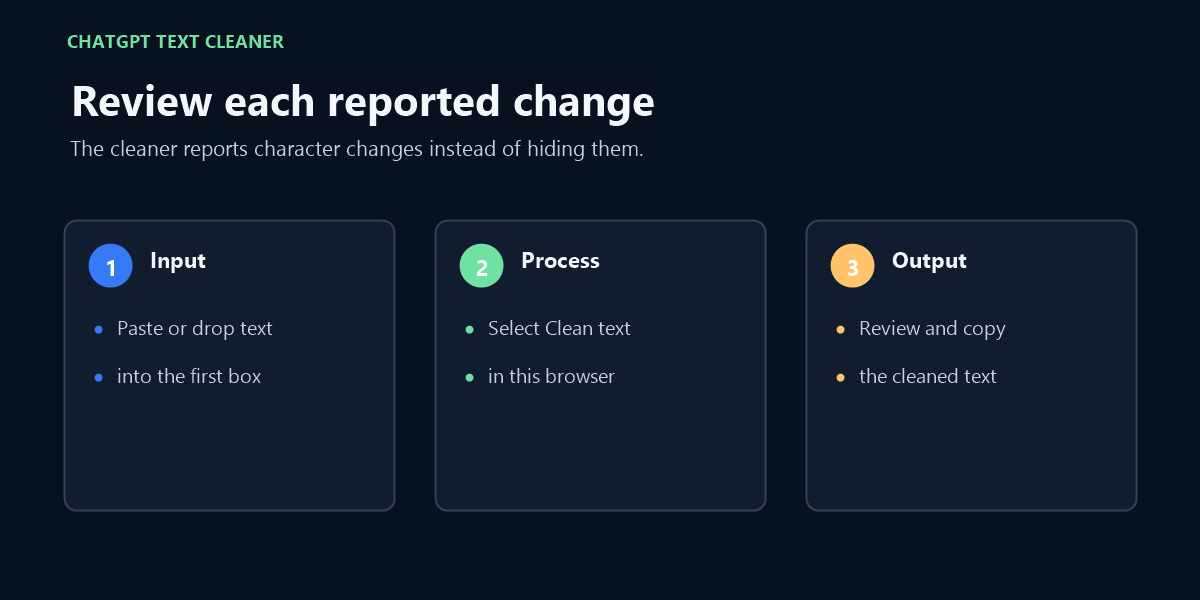
It removes the defined hidden formatting characters and reports the exact occurrences it changed. It does not claim to detect an unknown watermark that is not present in the pasted text.
No. The cleanup code runs in your browser. You can use it without signing in.
Yes. “AI text watermark remover”, “remove AI text watermark”, and “remove hidden Unicode from ChatGPT text” describe the same paste-clean-copy workflow on this page.
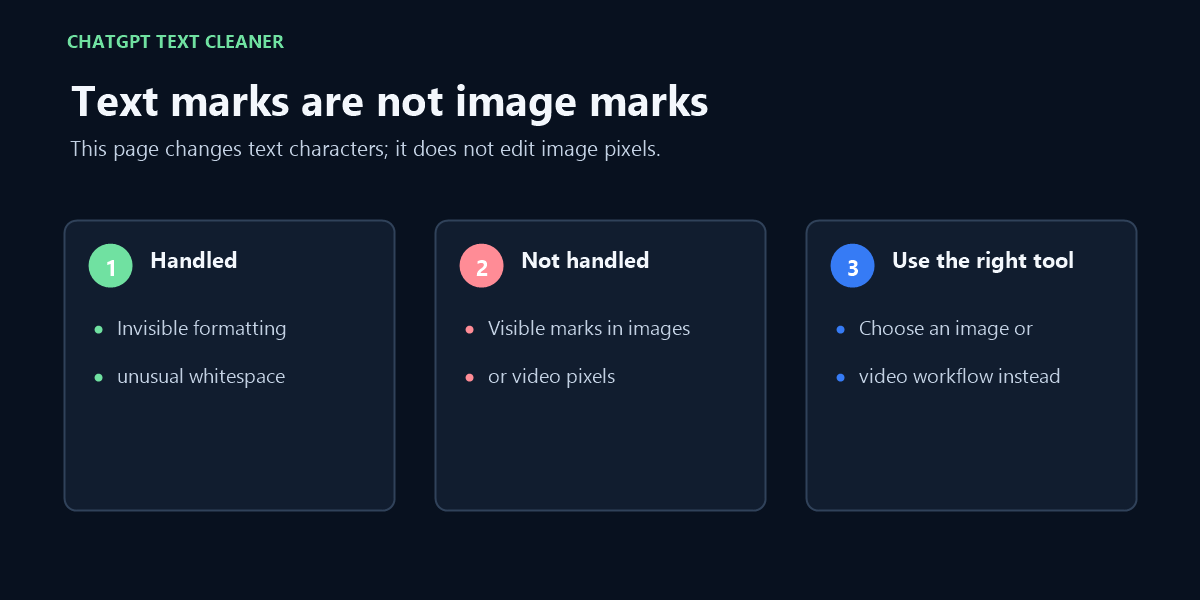
See the paste, review, and copy steps for hidden formatting characters in text; this does not edit visible image or video marks.