Identify the mark before processing
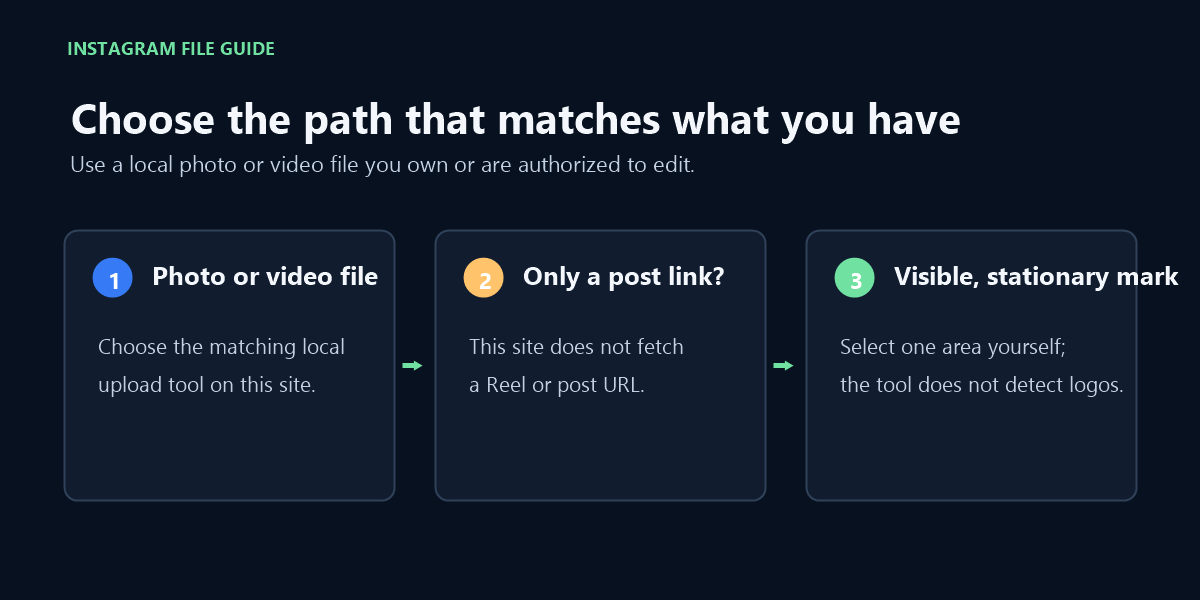
A platform logo, username, caption, or sticker may look like a watermark, but the tool does not classify marks by source. It applies a selected rectangle. A mark that stays in one place is the intended case; moving marks and full-frame overlays are outside the stated scope. Review the result before using it, especially when text or important image detail sits beneath the selected area.
What a local test showed
The input was the locally generated synthetic-watermark.mp4, a four-second MP4 containing a changing diagonal stripe, an upper-left timecode, and a small outlined mark in the lower-right corner. I selected the lower-right area and processed the file.
I generated the fixture locally. A media probe identified H.264 video at 640 × 360 and an AAC mono audio stream at 44.1 kHz.
- Load the fixture into the existing browser-local video tool.
- Select Use lower-right mark, then Remove selected watermark.
- Download the output and compare frames at 0.5, 2, and 3.5 seconds with the input.
- Inspect both files with a media probe and compare the extracted audio-stream hashes.
| Sample point | Frame review |
|---|
| 0.5 seconds | The selected lower-right outline was softened but still visible; the diagonal stripe and timecode remained. |
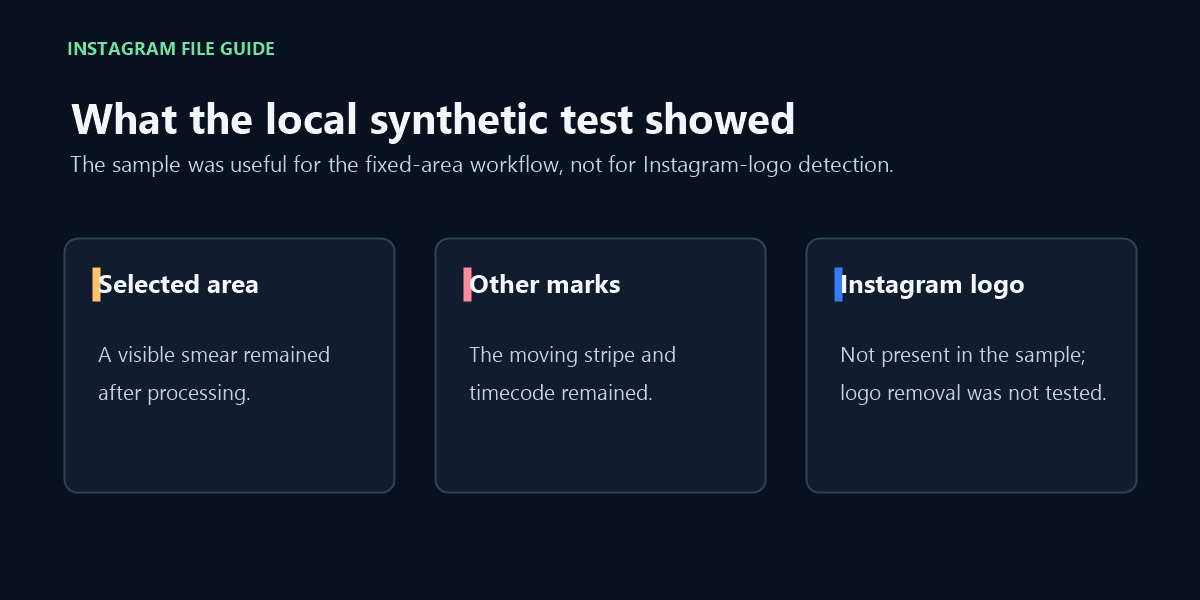
| 2 seconds | The selected patch showed a visible smear instead of a clean reconstruction; unselected marks remained. |
| 3.5 seconds | The selected mark still left residue; the diagonal stripe had moved compared with the 0.5-second frame, and the timecode remained. |
The site produced a downloadable video with the original 640 × 360 frame size and duration. In the reviewed frames, the selected outline was softened but left a visible smear. The diagonal stripe and timecode remained. This sample did not contain an Instagram logo, so it cannot establish whether an Instagram logo watermark can be removed.
The downloaded file, synthetic-watermark-cleaned.mp4, was MP4/H.264 at 640 × 360 for 4 seconds, with AAC mono audio at 44.1 kHz. FFmpeg's stream-copy SHA-256 output for the selected AAC audio stream matched on input and output: 9c2f2f251f074a6016ccc2f12846145a399195815fcbbb226c107e00913af190.
Before you keep the result
Compare the downloaded video with the original at the beginning, middle, and end. Check the selected area for blur or leftover edges, and check unselected marks separately. If the result damages nearby detail or leaves the mark visible, don’t treat a successful download as a successful cleanup.
FAQ
Can this remove an Instagram watermark from a post link?
No. This page does not fetch Reels or posts from a URL. It works with a local video file; the image tool is on the home page.
Does an Instagram Reel watermark remover identify the Instagram logo automatically?
No. The video tool does not identify marks by platform. You select one visible, stationary area yourself.
Can I remove an Instagram watermark that moves across a Reel?
No. One fixed selection rectangle is applied throughout the clip; the tool does not track a moving mark.
Which path should I use to remove an Instagram watermark?
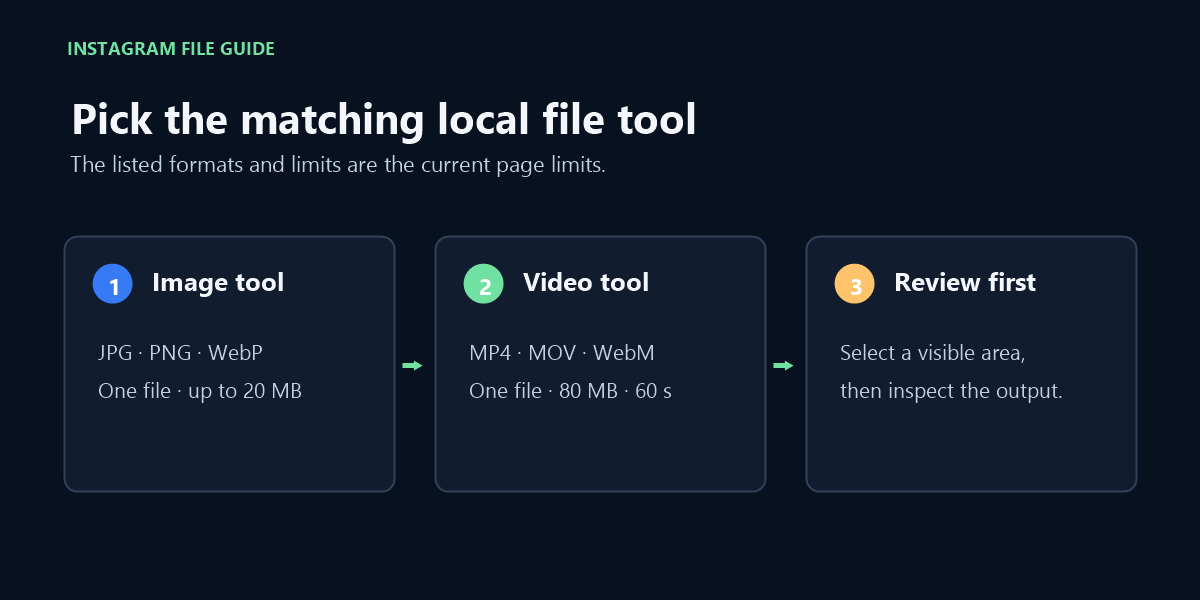
Use the image tool for a local JPG, PNG, or WebP file, or the video tool here for a local MP4, MOV, or WebM file. If you only have a post link, this site does not provide a link-downloader.
Video walkthrough
Compare the local-file route with a post link; the site processes a supported file and does not fetch a Reel or post URL.