What this PDF watermark remover can remove
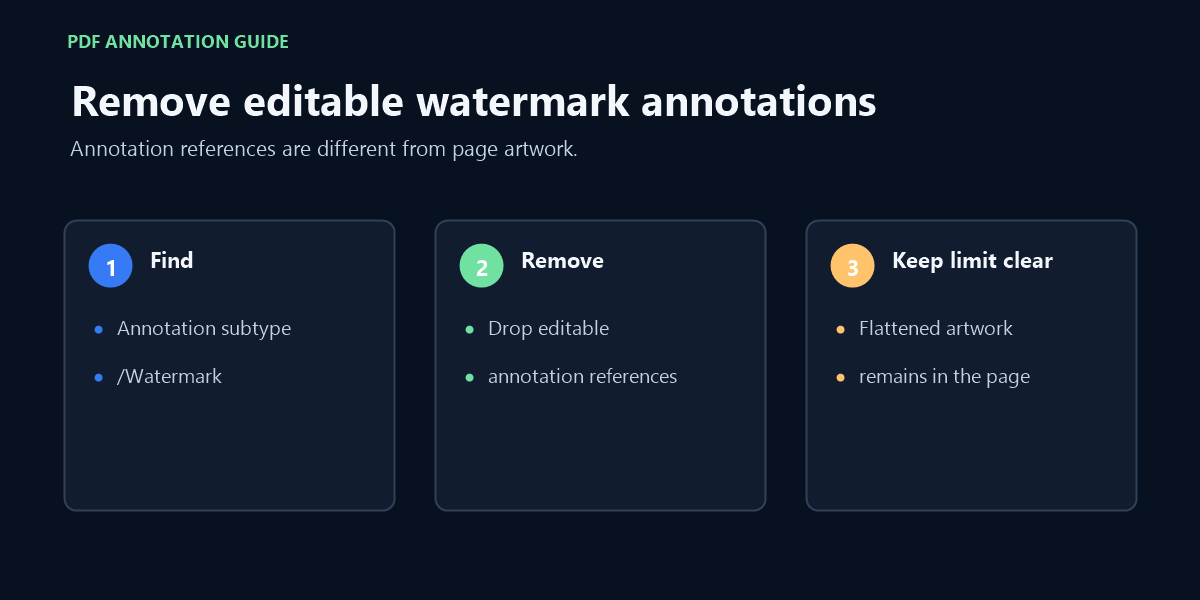
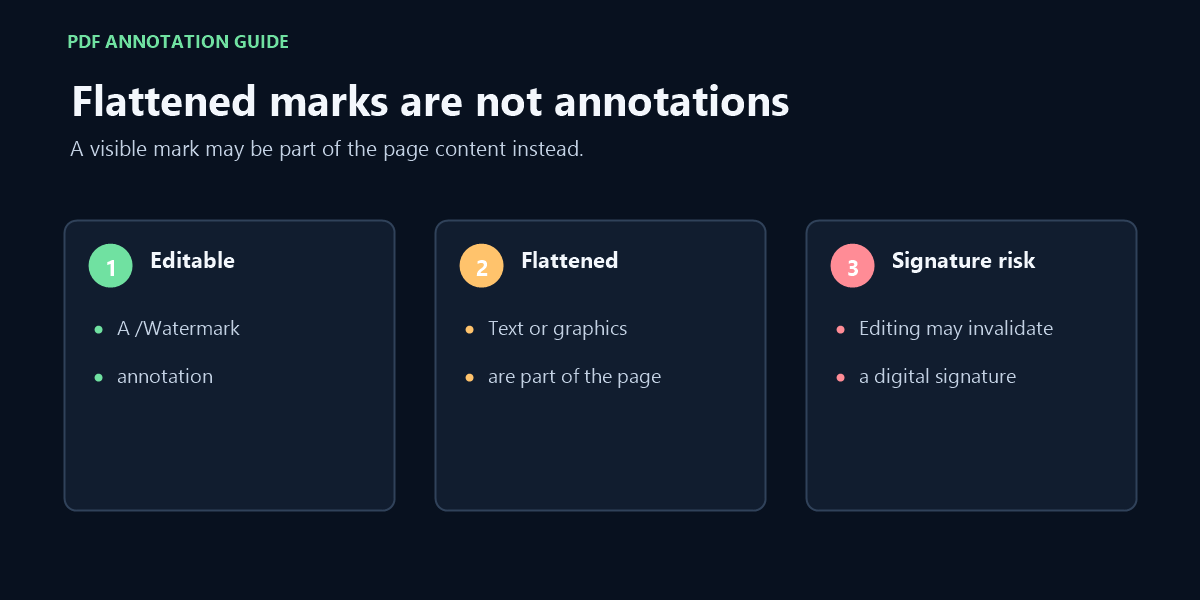
This tool looks for PDF annotations whose subtype is /Watermark and removes those annotation references. A visible mark that has been flattened into page text or graphics is not an editable annotation and will remain in the document.
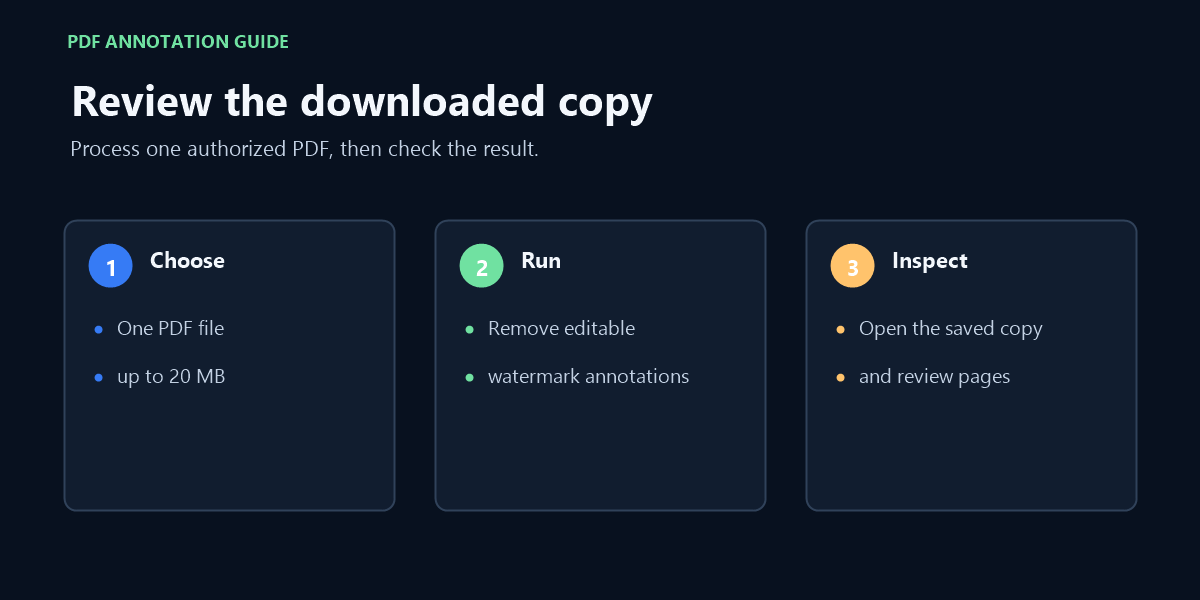
To remove watermark from PDF online, choose the file on this page; it is processed locally in your browser, and only editable watermark annotations are removed.
Use this free PDF watermark remover only on files you created or are authorized to edit. Do not use it on signed documents: saving an edited copy can invalidate digital signatures. Password-protected or malformed PDFs may not open.
FAQ
Is this a PDF watermark remover?
Yes. This PDF watermark remover can delete a watermark from PDF files when it is stored as an editable annotation. It does not erase text or artwork flattened into the page.
Can I delete watermark from PDF files with this tool?
Only when the mark is stored as an editable watermark annotation. A mark flattened into page text or graphics remains outside this tool's supported scope.
Can I delete a watermark from every PDF?
No. This tool can delete a watermark annotation from a PDF. It cannot identify and remove a watermark that is part of the page’s text or graphics.
Can I remove watermark from PDF free of charge?
Yes. This free PDF watermark remover needs no account or payment. One PDF up to 20 MB is processed locally per run. A request to remove watermark from PDF free applies here only to editable /Watermark annotations; flattened marks remain.
Does my PDF get uploaded?
No. The file bytes are read and processed in your browser. The processing library is served as a site asset; the PDF is not sent to a processing service.
Why does a watermark remain after processing?
The mark may be flattened into page content rather than stored as a removable watermark annotation. This tool reports when it finds no editable watermark annotations.
Only process PDFs you created or have permission to edit.
Video walkthrough
See the distinction between an editable PDF watermark annotation and a mark flattened into page content.