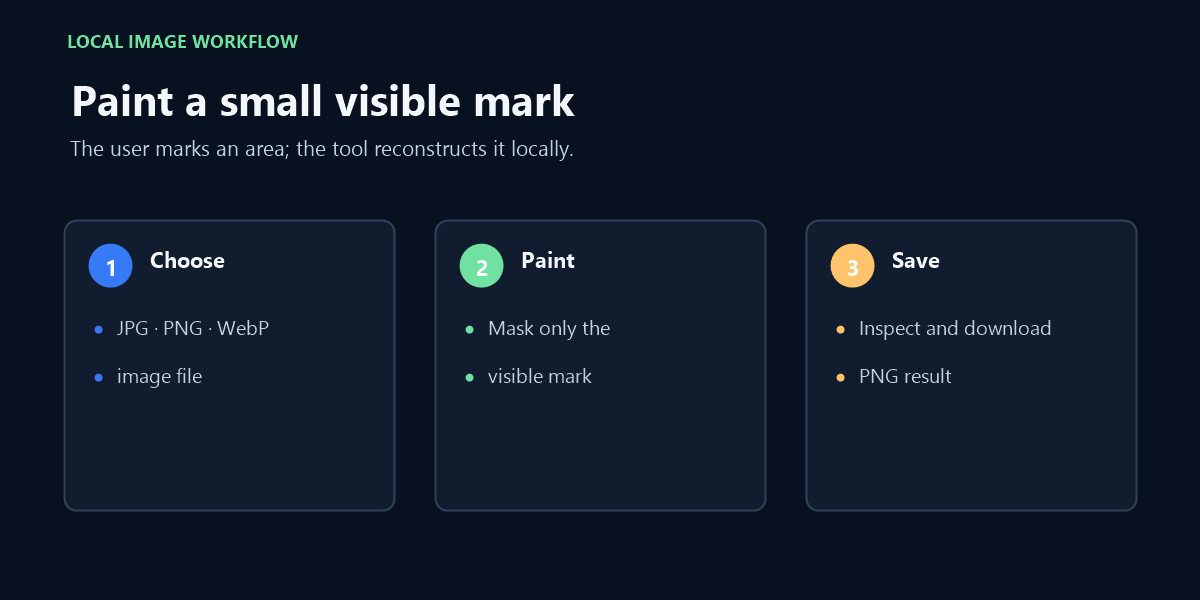
For a still image file you own or are authorized to edit, paint over a small visible area and review the local reconstruction. This Snapchat watermark remover does not open Snapchat links, identify Snapchat marks, or process videos.
Local processing · No login · No server upload
Your image stays on this device. Processing uses local JavaScript only.
Drop an image here or click to browse
JPG, PNG or WebP · up to 20 MB
Paint only over the watermark. Use Erase mask to correct the edges.
Preparing image0%
Local inpainting result
Exemplar-based texture reconstruction
Original
Cleaned
Original detail · enlarged
Cleaned detail · enlarged
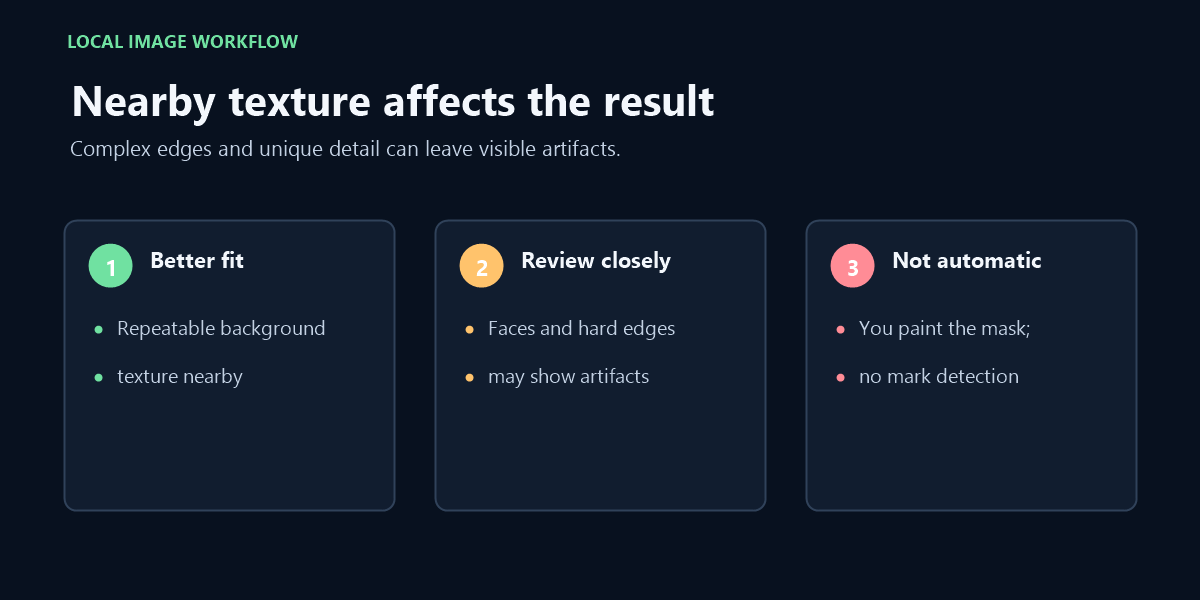
Best for small text or marks surrounded by repeatable texture. Large masks, faces, hard geometric edges and unique objects may show visible reconstruction artifacts.
This page starts from an image file on your device, not a Snapchat screen or link.
Check the saved image before choosing a repair
This page is for a still-image file already saved on your device, not a Snapchat account or share link. Choose one JPG, PNG, or WebP image up to 20 MB, paint a small visible patch yourself, then inspect the local reconstruction. The selected image is not sent to a processing server by this page.
A mark must be present in the image pixels for this editor to change that area. If something appears only in an app screen or viewer and is absent from the saved image, this tool cannot reach it. It also does not retrieve, export, or alter content inside Snapchat.
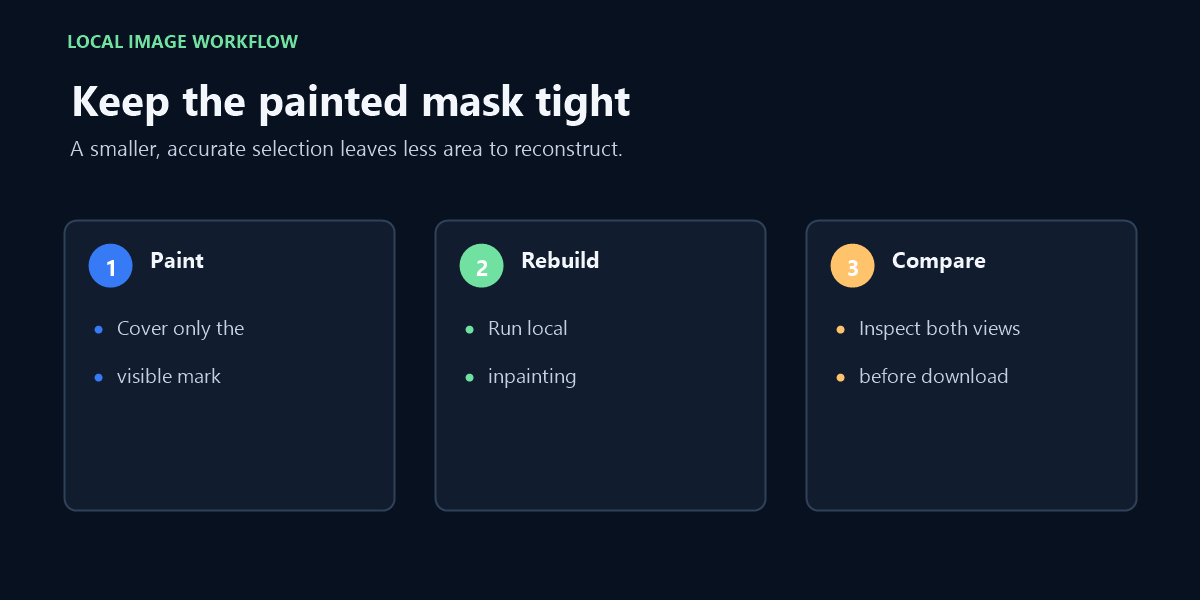
Keep the mask close to the visible area. A broad brush can include nearby face detail, text, borders, or background features, and the result may replace those pixels with a reconstruction rather than restore their hidden original values. Compare the full image and the enlarged patch before saving.
A tight painted mask leaves more of the surrounding image untouched.
Image file, not Snapchat video or interface
The file picker accepts one JPG, PNG, or WebP still image up to 20 MB. It does not accept video, a Snapchat URL, a Story link, or a screen in the Snapchat app. This distinction matters: the page can only edit pixels in the local image that you choose.
The editor does not automatically identify Snapchat branding, recover hidden original pixels, remove invisible marks, or determine ownership. Use it only with a file you own or have permission to modify. This independent tool is not affiliated with Snapchat.
FAQ
Can I paste a Snapchat link?
No. Choose a local image file; the page does not open Snapchat or fetch media from a link.
Can this remove a mark from a Snapchat video?
No. This page accepts still images only: JPG, PNG, or WebP up to 20 MB.
Does it recognize the Snapchat logo automatically?
No. You paint a mask over a visible area yourself. The tool does not detect a platform mark or decide whether you have permission to edit it.
Does this upload my image?
The selected image is processed in this browser and is not sent to a processing server by this page; separate analytics or advertising scripts may still load.
Related reading
For the Getty-specific boundary between editing an authorized image and obtaining a licensed original, read Getty Images watermark remover.
For a broader explanation of local image reconstruction and its limits, see Local Watermark Remover.
A locally selected photo patch is not the same as changing content inside the Snapchat app.