Whether a watermark disappears depends on its shape and position: a manually selected fixed area can remove some stationary marks, while others remain or leave visible repair artifacts.
Your source video is processed in this browser and is not uploaded to this site.
↑Drop one video here or click to chooseMP4, MOV, WebM · one sample per format was accepted and produced an output.
Mark the visible watermark
Drag a box over one stationary visible watermark. The selected area is rebuilt locally; moving, full-frame, or protected marks are outside this tool’s scope.
Your video stays in this browser. Nothing is uploaded.
Cleaned video
The audio stream is copied without re-encoding when the selected container supports it.
Five generated sample tests: measured results
These five generated clips were each processed once in the browser tool. All five inputs and outputs were MP4, H.264, 640×360, 24 fps, 4 seconds, and 96 frames. Input and output sizes below are the exact file sizes; elapsed time is measured from clicking “Remove selected watermark” until the page displayed “Done.” These are individual synthetic tests, not a promise for other footage.
One row per tested sample; unsuccessful and visibly imperfect results are included.
Only the selected instance was processed; repeated marks remained, and the selected area left an obvious blurred block.
What the sample tests can and cannot show
Observed in these samples
The selected centered text and logo were not visible in the inspected output frames. The tool applies a manually selected fixed rectangle in the browser; those observations apply only to these generated clips and these runs.
Limits shown by these samples
The corner mark remained. The translucent sample left a visible repair block, and the tiled sample retained marks outside the one selected area. No automatic recognition, moving-mark tracking, or full-frame cleanup is provided.
The selected source is opened as a browser object URL, processed by FFmpeg WebAssembly in the browser, then exported as a browser Blob download. The page code path does not send the selected video to a processing endpoint. Engine files are fetched from jsDelivr, so the page is not fully offline. This is a code-path finding, not a packet-capture result.
One sample each in MP4, MOV, and WebM was accepted and produced an output. A 78.50 MB, 60-second sample was accepted and produced an output. A 122.9 MB sample was blocked; the interface said: “Choose one MP4, MOV, or WebM video up to 80 MB.” A 61-second sample was blocked; the interface said: “This video is longer than the 60-second local-processing boundary.” One sample was tested for each condition; these results apply only to those samples and do not establish that all files in those formats will work or define an exact maximum file-size cutoff.
The video workflow begins with a user-selected visible area, not automatic logo recognition.
What this tool handles
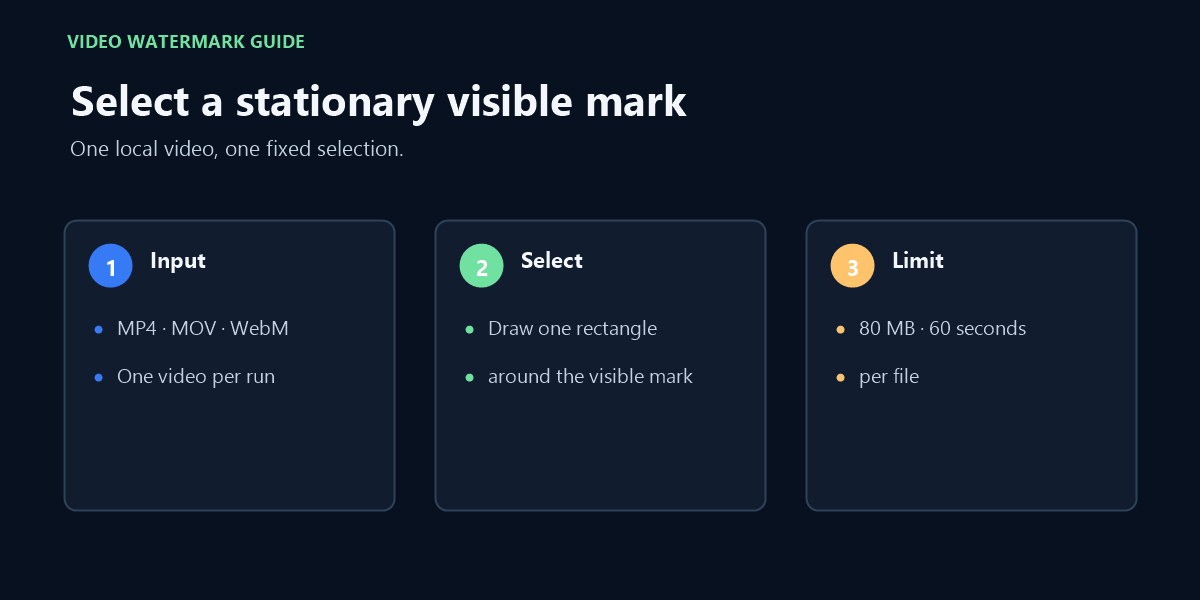
Use this page to remove a watermark from video by selecting one stationary, visible rectangle. It processes one MP4, MOV, or WebM video in your browser and targets the visible area you select. It does not automatically recognize a mark, follow a moving mark, or remove a full-frame overlay.
The current boundary is one video up to 80 MB and 60 seconds. FFmpeg WebAssembly runs in the browser. The selected video is not uploaded to this site, but the page downloads its processing-engine files from jsDelivr and needs a network connection to load them.
Only process video you created yourself or have the right to edit.
How to remove a stationary watermark from video
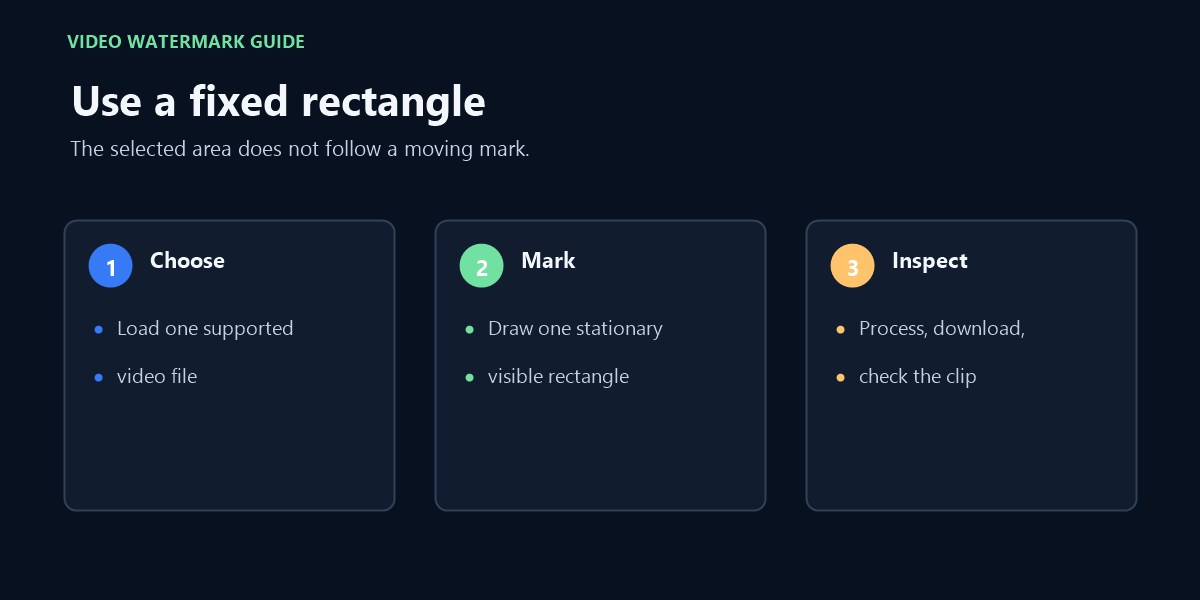
Choose one short MP4, MOV, or WebM video.
Draw a box around a stationary visible mark, or use the lower-right shortcut.
Select Remove selected watermark, then download the cleaned video.
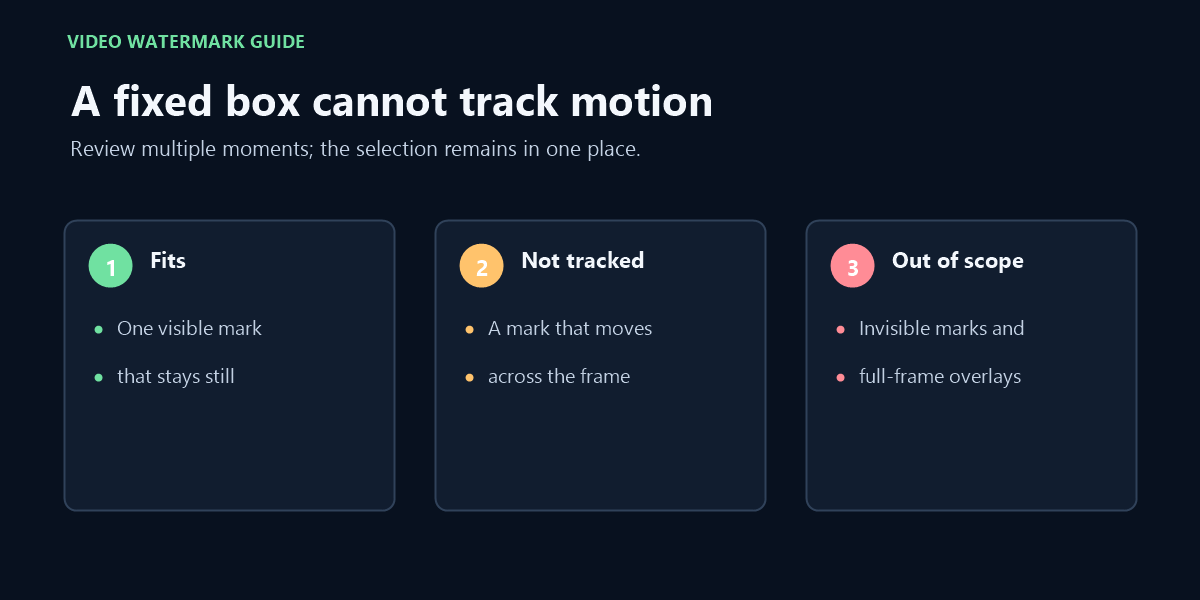
A fixed selection does not track a mark that moves across the frame.
FAQ
Is this a free watermark remover for video?
The tool is available without an account or payment. It processes one supported video locally in your browser, within the stated size and duration boundary.
What does this video watermark remover handle?
It handles one stationary, visible rectangular mark that you select in a supported video. The page does not claim to remove moving or full-frame marks.
Does this upload my video?
The selected source video is processed in this browser and is not sent to this site’s server. Processing-engine files are downloaded from jsDelivr, so the page is not fully offline. You can check the Network panel while processing; do not confuse engine-code downloads with a video upload.
Does it remove a moving watermark?
No. This page is deliberately limited to one stationary rectangular mark so its boundary is clear.
Will every MP4, MOV, or WebM file work?
Not necessarily. The page accepts one MP4, MOV, or WebM file within the 80 MB and 60-second limits, but browser codec support and audio/container compatibility can still cause processing to fail.
Will a corner watermark always disappear?
No. In the corner-light sample test, the mark remained visible after processing. Check the exported video before relying on the result.
Can a translucent watermark leave a visible patch?
Yes. The translucent-mark test removed the visible lettering in the inspected frame but left an obvious blurred block in the selected area.
Can one selection remove a tiled watermark across the whole frame?
No. The tiled-mark test processed only the selected instance; repeated marks outside that fixed area remained, and the selected area showed a visible blurred block.
Related video searches and the same fixed-area workflow
Manual selection, not automatic detection
If you searched for an AI video watermark remover, this page does not use an AI model or detect marks. You select the visible rectangle yourself; the browser applies the same fixed-area video filter, with no automatic recognition or motion tracking.
Watermark remover video online
The tool runs in a web page, but the video-editing engine must first load from its content-delivery host. After that, the source clip is processed in the browser rather than uploaded to this site's processing server.
Watermark video
This tool removes a selected visible mark; it does not add a watermark to a video. If you meant adding a logo or text overlay, this page does not perform that task.
Remove watermark from video online without blur
No blur-free result is guaranteed. The selected-area filter can soften or smear detail under and around the mark, so review the exported clip before keeping it.
Erase watermark from video
Erasing here means changing pixels inside one selected rectangle. It does not recover the original scene pixels hidden by the watermark, and it cannot follow a mark that moves.
If the mark moves outside the selected area, this fixed-region workflow may not remove it throughout the clip.
Video walkthrough
Follow the one-file video workflow and check the same fixed selection throughout the clip; moving marks are not tracked.
A “remove filmora watermark” request does not make this a Filmora project editor: it cannot recognize Filmora branding or remove a trial/license mark. Use an authorized licensed export for software-added marks; this page only processes a stationary region that you select in a rendered video you are permitted to edit.