What this remover does
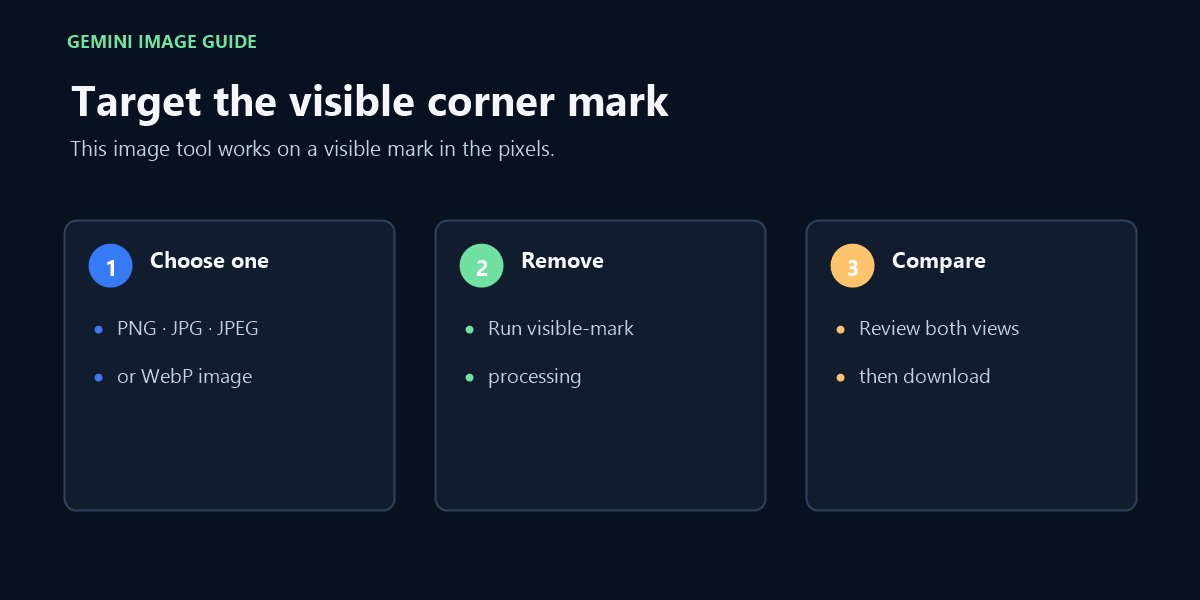
This page targets the visible Gemini diamond or sparkle mark placed in the image. It processes one PNG, JPG, JPEG, or WebP image locally, preserves the original pixel dimensions, and gives you a download.
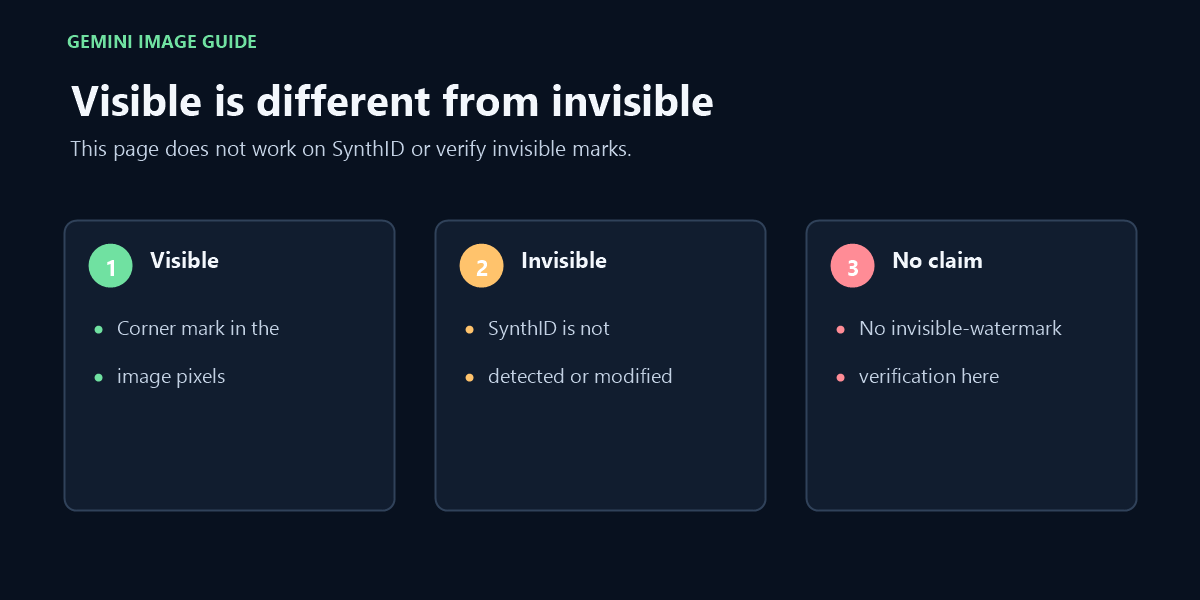
It does not claim to remove SynthID or any invisible watermark. “SynthID remover” and “remove SynthID watermark” are included here only to make that boundary clear: this page does not detect, alter, or verify invisible watermarks.
FAQ
Does this upload my image?
No. The image processing runs in your browser and this page has no account or upload service.
Does it remove invisible SynthID watermarks?
No. This Gemini watermark remover only addresses a visible corner mark in the pixels you can see.
Can I clean several images at once?
No. This page intentionally processes one image at a time.
Video walkthrough
This walkthrough covers the visible Gemini image mark only; invisible SynthID is outside this tool’s scope.