Delete only the mark you can select
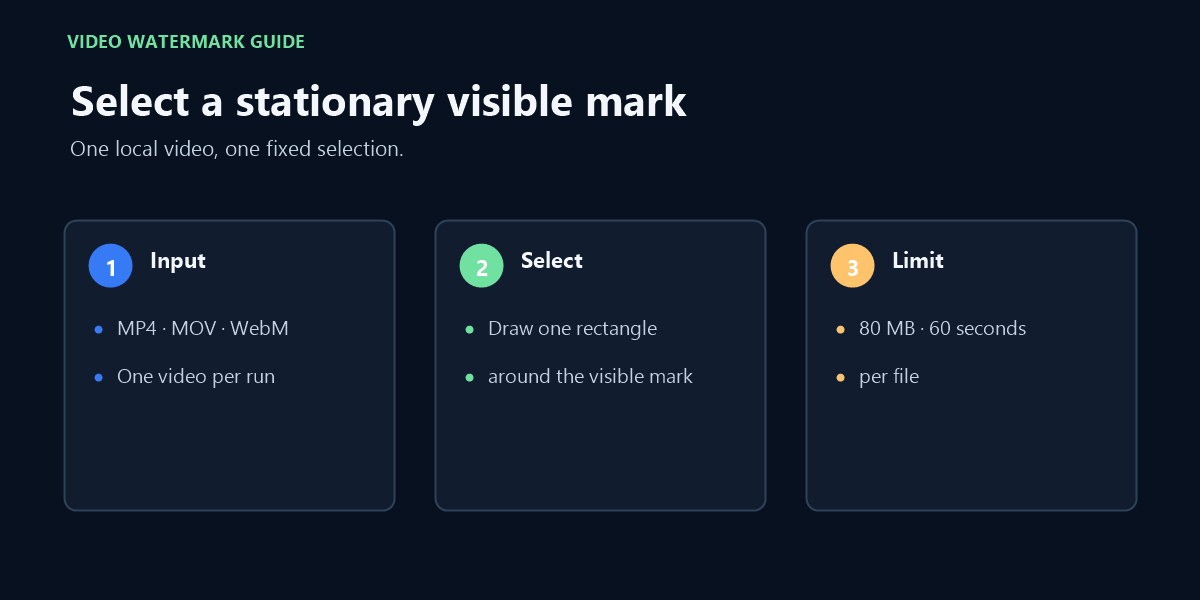
Choose a video file that you own or are authorized to edit. This browser tool accepts one MP4, MOV, or WebM file up to 80 MB and 60 seconds. It applies a local edit to one stationary, visible rectangle that you select, then lets you review and download the processed video. It does not fetch a post from a URL.
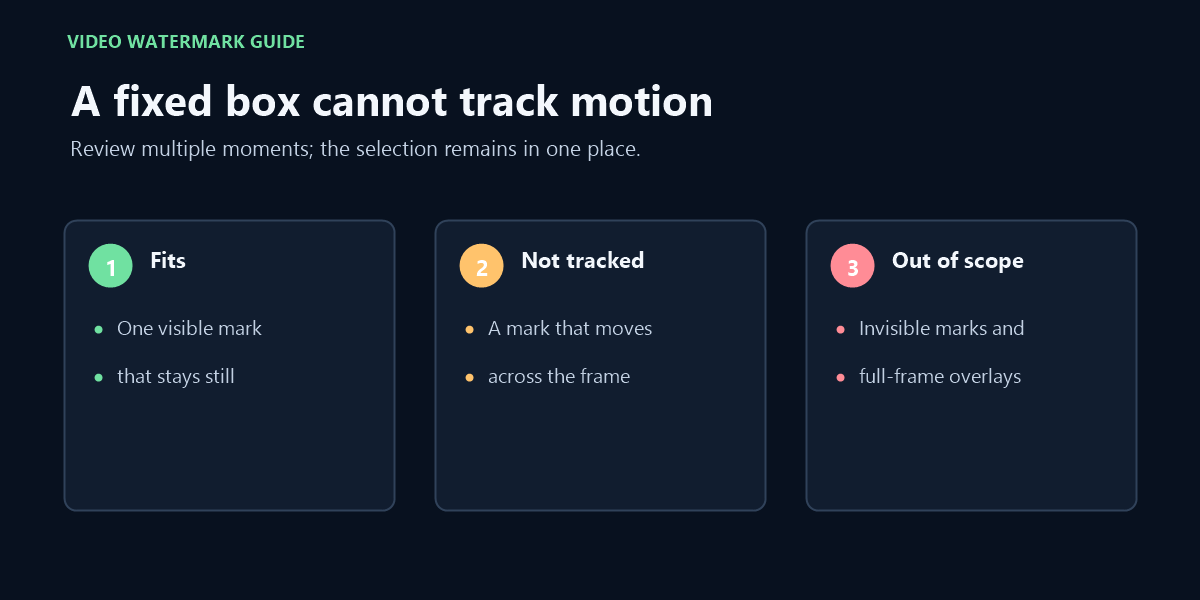
That distinction matters before you begin. If the mark travels across the frame, a fixed selection will not follow it. If it covers the whole picture, the tool has no unmarked edge area to use as a useful boundary. Do not draw a large box simply to make the mark fit; the selection also includes any image detail inside that box.
The source video is processed in this browser session with FFmpeg WebAssembly. The page’s code sends the file to the local processing engine in the browser rather than uploading it to a site processing server. The browser still needs enough memory and codec support to decode and export the selected file.
Check the result before keeping it
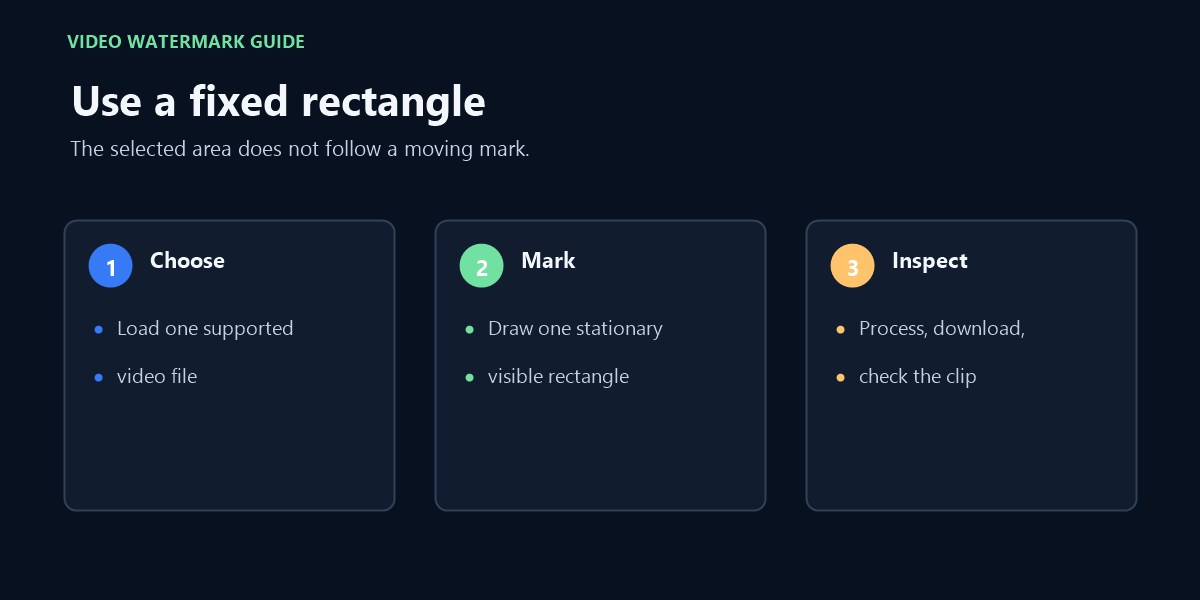
- Load one supported file and pause on a frame where the mark is visible.
- Draw the smallest rectangle that contains the mark, without including nearby text or important detail.
- Process the selection, then inspect the same area near the beginning, middle, and end of the clip.
- Play the downloaded file and confirm that its picture and audio are usable for your purpose.
This is a pixel-area edit, not logo recognition. The processor applies FFmpeg’s delogo filter to your selected rectangle; it does not classify the pixels as a logo or restore the hidden original image. Fine texture or sharp edges inside the selection may therefore look softened after processing.
If the output does not decode, if the audio cannot be copied into the selected container, or if the browser runs out of resources, the page reports that processing could not finish. A successful download is not proof that every frame looks clean, so review the file before using it.
When this deletion workflow does not fit
Use a different workflow when the mark moves, spans most of the frame, or cannot be separated from content you need to preserve. This tool has no tracking control, no brush-based object mask, and no original source layer to restore. Its selection stays in one position for the whole clip.
Files longer than 60 seconds, larger than 80 MB, or outside MP4, MOV, and WebM are not accepted by this page. A supported extension alone does not guarantee that the browser can decode the video or retain its audio stream. If a limit or codec check fails, keep the source unchanged and use another editor that supports your file.
Only remove marks from material you made or have permission to edit. Processing locally describes where this page runs the edit; it does not grant rights to the source video.
FAQ
Can I delete a watermark from a video by pasting its link?
No. Choose one local MP4, MOV, or WebM file; this page does not download videos from social-post links.
Will the tool follow a moving watermark?
No. The selected rectangle remains at the same position throughout the clip.
Does the edit restore the pixels behind a watermark?
No. The selected area is processed with a video filter; the tool does not have the hidden original pixels or a separate watermark layer.
Does the source video leave my browser?
The page runs the video-processing engine locally in your browser. It does not send the source to a site processing server.
What files can I select?
One MP4, MOV, or WebM file up to 80 MB and 60 seconds. Browser decoding and audio compatibility can still affect whether processing completes.